
Topaz Gigapixel AI Review – Complete Guide to AI Image Upscaling (2026)

Topaz Gigapixel AI is one of the most powerful AI image upscaling tools available today. It allows users to increase image resolution without losing quality, making it ideal for photographers, designers, marketers, and content creators who need sharp, high-resolution visuals.
In this complete guide, we’ll explore what Topaz Gigapixel AI is, how it works, its features, pricing, pros and cons, comparisons, and whether it’s worth using in 2025.
What Is Topaz Gigapixel AI?
Topaz Gigapixel AI is an AI-powered image upscaling software developed by Topaz Labs. Unlike traditional resizing tools that stretch pixels and reduce quality, Gigapixel AI uses machine learning models trained on millions of images to intelligently add detail when enlarging photos.
It can upscale images by up to 600% while preserving clarity, textures, and sharp edges.
How Topaz Gigapixel AI Works
Topaz Gigapixel AI uses deep learning neural networks to analyze image data and predict missing details. Instead of guessing pixels, the software understands image patterns such as faces, landscapes, text, and objects.
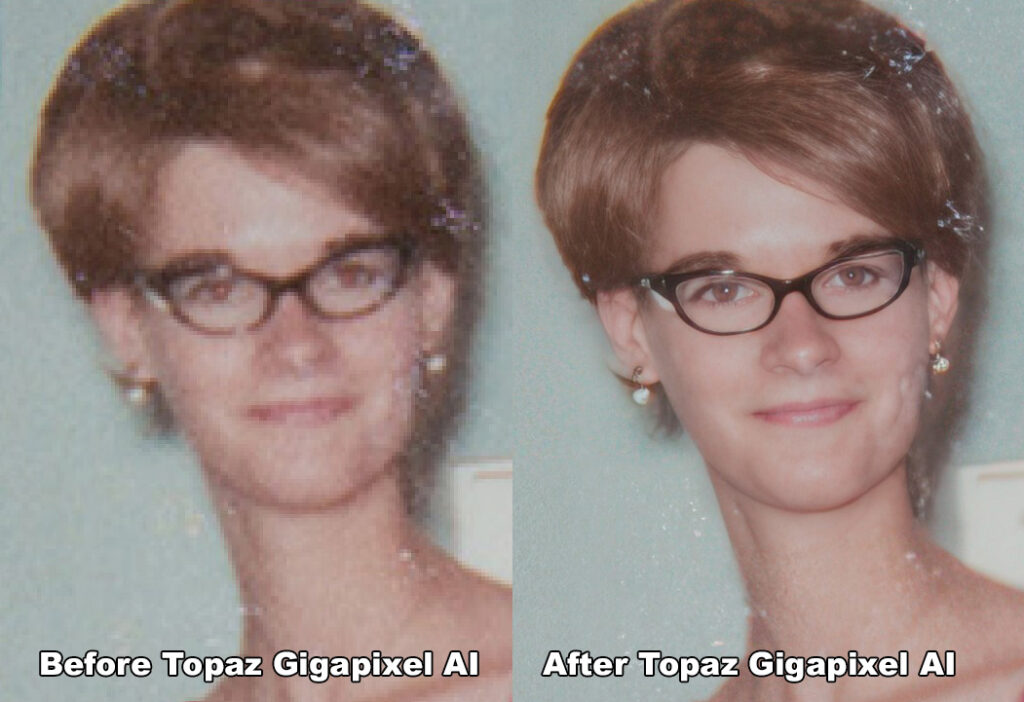 Key AI Capabilities:
-
Intelligent pixel reconstruction
-
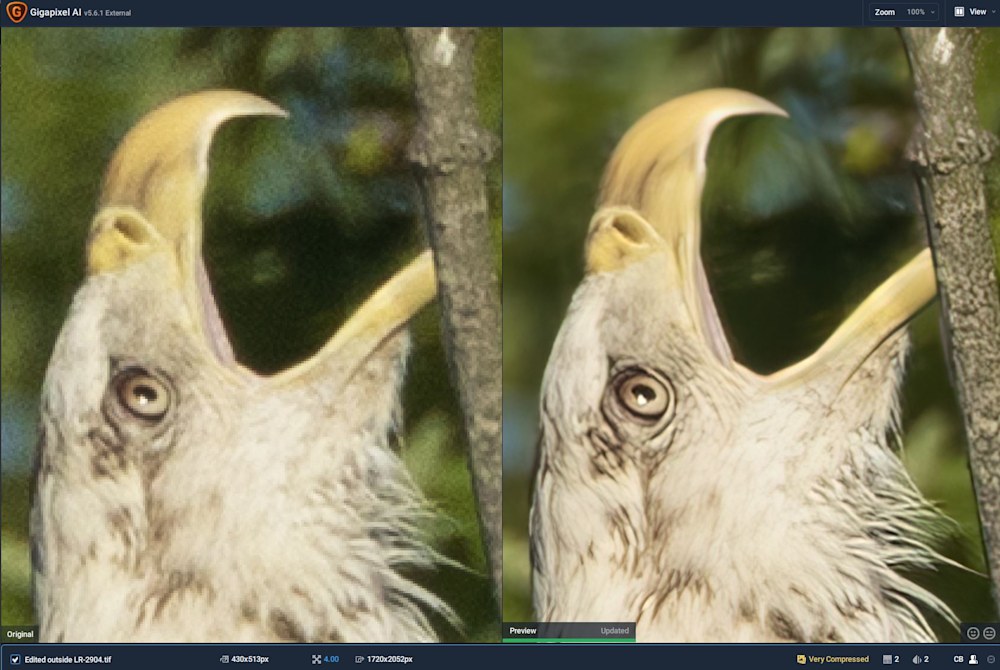
Noise and blur reduction
-
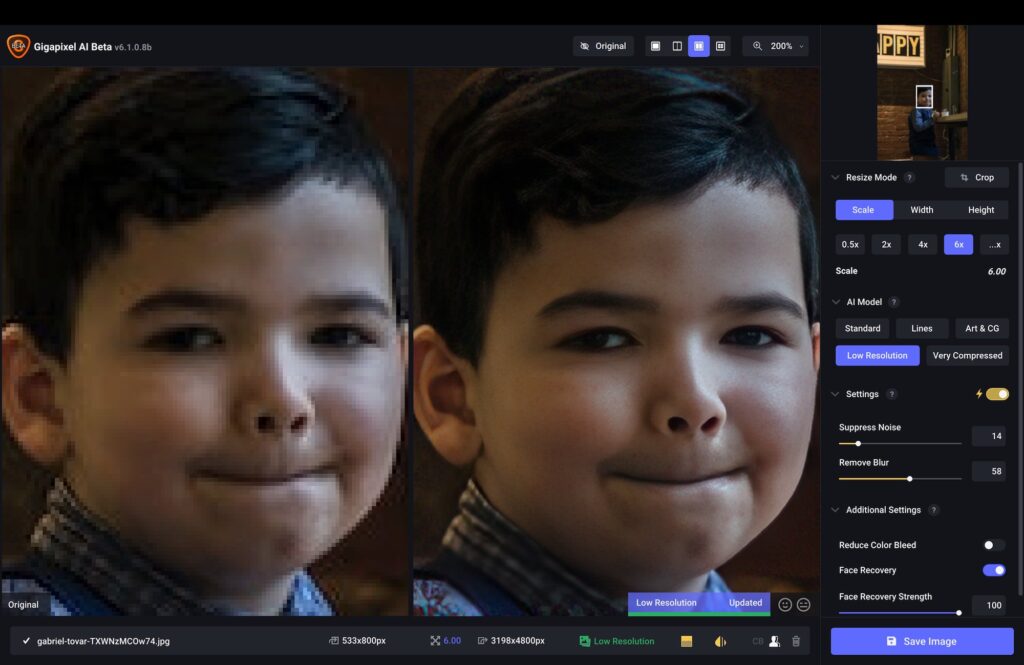
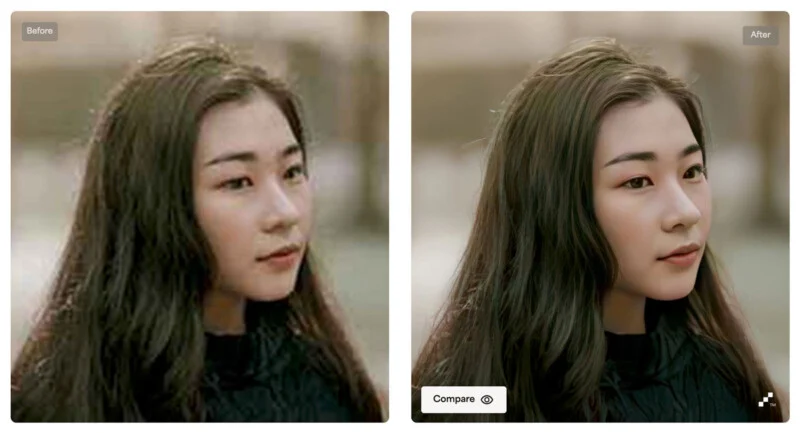
Face recovery technology
-
Detail enhancement without artifacts
This makes it far superior to standard resizing tools.
Key Features of Topaz Gigapixel AI
AI-Powered Image Upscaling
Increase resolution up to 6× without losing quality.
Face Recovery
Automatically detects and enhances facial details in portraits.
Batch Processing
Upscale hundreds of images at once, saving time.
Multiple AI Models
Choose models optimized for:
-
Standard photos
-
Art & illustrations
-
Low-resolution images
File Format Support
Supports JPG, PNG, TIFF, and RAW image formats.
Topaz Gigapixel AI System Requirements
 Windows Requirements
-
Windows 10 or later (64-bit)
-
Intel or AMD processor
-
8GB RAM (16GB recommended)
-
Dedicated GPU recommended
macOS Requirements
-
macOS 10.15 or later
-
Apple Silicon or Intel CPU
-
8GB RAM minimum
-
Metal-compatible GPU
Topaz Gigapixel AI Pricing & Free Trial
Topaz Gigapixel AI is available as a one-time purchase, not a subscription.
-
Price: Around $99 (may vary)
-
Free Trial: Yes (limited export resolution)
-
License: Lifetime with 1 year of updates
Compared to subscription-based tools, this pricing model offers excellent long-term value.
Topaz Gigapixel AI Pros and Cons
✅ Pros
-
Outstanding image quality
-
Easy-to-use interface
-
Works offline
-
One-time payment
-
Excellent for old or low-res photos
❌ Cons
-
Requires a powerful system
-
Slower on large batch jobs
-
No mobile version
Topaz Gigapixel AI vs Photoshop
| Feature | Topaz Gigapixel AI | Photoshop |
|---|---|---|
| AI Upscaling | Advanced | Basic |
| Ease of Use | Very Easy | Complex |
| Face Enhancement | Yes | Limited |
| Pricing | One-time | Subscription |
| Offline Use | Yes | Yes |
👉 Winner: Topaz Gigapixel AI for pure image upscaling.
Best Use Cases for Topaz Gigapixel AI
-
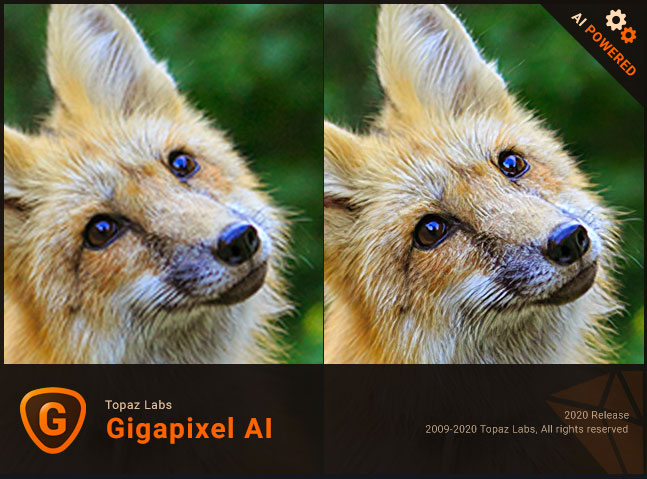 Photography: Upscale photos for large prints
 -
E-commerce: Improve product images
-
Social Media: Enhance low-quality visuals
-
Old Photo Restoration: Recover lost details
-
Marketing & Ads: High-res creatives
Is Topaz Gigapixel AI Worth It in 2025?
Yes — Topaz Gigapixel AI is absolutely worth it if image quality matters to you. Its AI models consistently outperform traditional image editors, especially when working with low-resolution or compressed images.
For professionals and serious creators, it’s one of the best AI image upscaling tools available.
Topaz Gigapixel AI Alternatives
If you’re exploring other options, consider:
-
Photoshop Super Resolution
-
Let’s Enhance
-
Waifu2x
-
ON1 Resize AI
However, most users find Gigapixel AI delivers the best balance of quality and simplicity.
 FAQs About Topaz Gigapixel AI
Is Topaz Gigapixel AI free?
No, but it offers a free trial with limited export resolution.
Does Topaz Gigapixel AI work offline?
Yes, it works completely offline after installation.
Is it better than Photoshop?
For image upscaling specifically, yes — it’s significantly better.
Can it upscale old photos?
Yes, it’s excellent for restoring old and blurry images.
Final Verdict
Topaz Gigapixel AI is a top-tier AI image upscaling solution that delivers professional results with minimal effort. Whether you’re a photographer, designer, or digital marketer, this tool can dramatically improve image quality and workflow efficiency.